How to print coloring pages well: A4, 100 percent, paper and ink
Written by the Amy Color Club editors with the help of AI and checked by us.
Print a coloring page properly: portrait A4, 100 percent scale, no header or footer, the right paper and as little ink as possible. Includes a one-sheet test.
A coloring page is only as good as its print. A picture that sits in half the paper, a gray haze over the areas, or a date and web address in the header: those are wasted time and ink. This article covers the basics, so the printed page looks like the one on your screen.
Paper size and scale
All pages on the site are made for portrait A4, which is 210 by 297 millimeters. In the print dialog, choose A4 and portrait orientation. If your printer defaults to US Letter, the page will not fit well, so check this before you print.
Set the scale to 100 percent, or "actual size". Do not choose "fit to page" or "shrink to fit", because the printer then resizes the picture and the lines can shift.
Remove headers and footers
Most browsers add the date, the address and the page number to a print by default. In Chrome, look under "More settings" for "Headers and footers" and switch it off. Then you get only the page.
The print button on a page on this site opens the print dialog with just the picture. It is still worth checking the preview before you print.
Choose the right paper
Ordinary printer paper of 80 grams works for most colored pencils and wax crayons. For markers, use 100 grams or thicker, because the color will not soak through as easily. Thin 60-gram paper tears more easily and can curl while the child colors.
Avoid glossy photo paper. Colored material slides off it, and the ink can smudge.
Save ink
Coloring pages have thin black lines and usually no color. A black-and-white or grayscale setting therefore saves ink. Look for "black and white" or "grayscale" in the print dialog and choose it.
Draft mode also saves ink, but it often makes the lines lighter. For coloring pages, the normal setting is usually the better choice. Try draft mode once on a copy and see the difference for yourself.
Print only what you need. A page nobody uses is wasted ink. One page per child is better than ten pages at once.
Test one sheet
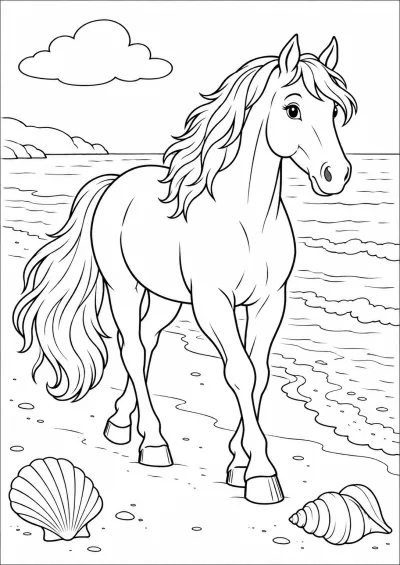
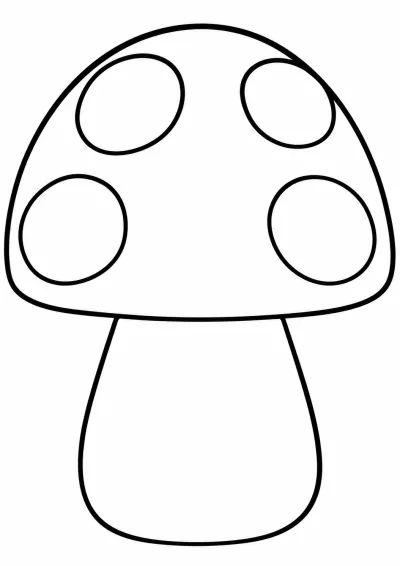
Good pages to test with are the horse at the beach, the big mushroom and the Christmas star. For a test with large areas, see the easy collection.
Before you print a stack, print one sheet. Check the margins, the lines and whether anything is cut off. Then print the rest. This takes one sheet of paper.
If the edges are cut off, check whether the printer is set to borderless printing. Many printers cannot print to every edge. A small margin is normal.
When the print goes wrong
- The page is too small: check that the scale is 100 percent.
- The page is too light: use the normal print setting and check the ink levels.
- There is a date on the page: switch off headers and footers.
- The page is crooked: put the paper in the tray properly and check the guides.
The overview of all coloring pages has pages on every theme, and you print them all the same way.
To finish
Print on portrait A4, at 100 percent, without headers and footers, on ordinary paper. Test one sheet and then print the rest. That way you usually do not need to correct anything.